![PaystriLogoKO-1.png]](https://help.paystri.com/hs-fs/hubfs/PaystriLogoKO-1.png?height=40&name=PaystriLogoKO-1.png)
If your company logo is uploaded in the Paystri Platform we will brand various customer touch-points in Invoice Manager with your logo. This simple branding option expands visibility to your customers and helps with their recognition and familiarity.
Invoice Manager branding applies to:
- Invoices
- Customer Payment Portal
- Invoice Hosted Payment Page Link
- Printed Email Receipts
How to upload company logo in the Paystri Gateway
When logged into the Paystri Gateway: https://gateway.paystri.com/Login.aspx
- Go to Settings
- Merchant Configuration
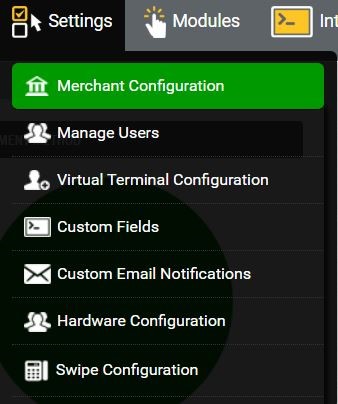
- Merchant Logo
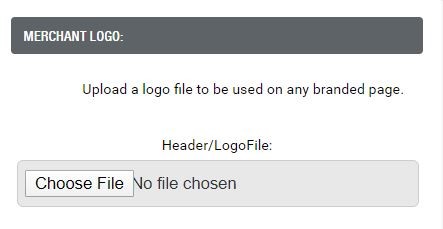
- Click choose file to upload file from your computer
Still Have Questions?
We're here to help.